Kestral Dark Theme

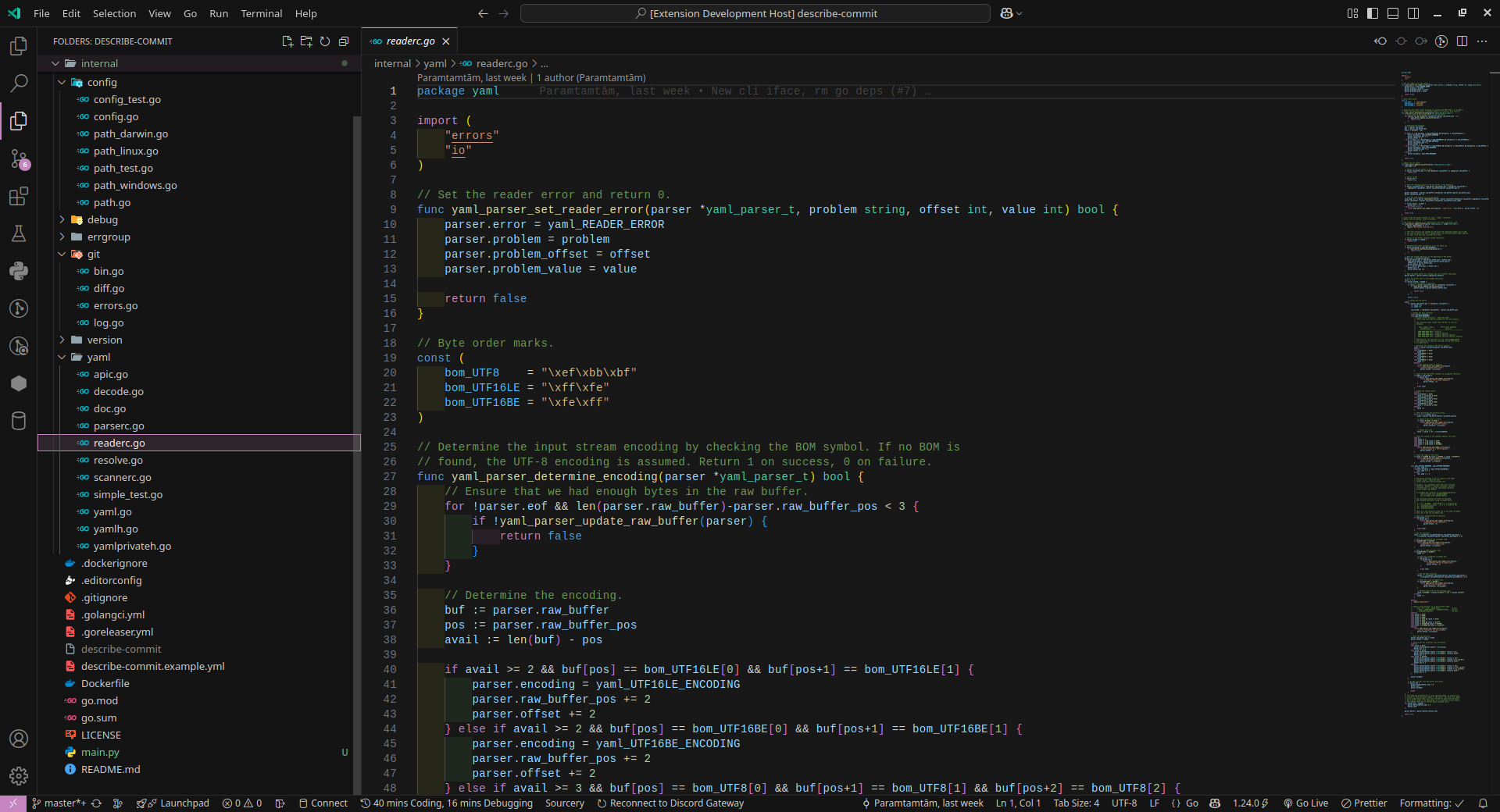
A dark theme with pinkish lavender accents for Visual Studio Code. Adapted from the Default Dark Modern theme to fit personal preferences, Kestral Dark Theme offers a visually appealing and comfortable coding experience.
Features
- Dark background with carefully selected contrast levels
- Pinkish lavender accent colors (
#c586c0) - Consistent syntax highlighting across languages
- Optimized for readability during long coding sessions
Installation
- Open the Extensions sidebar in VS Code (
Ctrl+Shift+XorCmd+Shift+X) - Search for
Kestral Dark Theme - Click Install
- Open the Command Palette (
Ctrl+Shift+PorCmd+Shift+P) - Select Preferences: Color Theme and choose Kestral Dark
Or install directly from the Visual Studio Code Marketplace.
Screenshots
License
This theme is released under the MIT License.